
Whisper · Docs
Console

Workflows

The workflow library is every runnable investigation across the graph, grouped by what you are trying to do.

1 · The library

Each card is a workflow you can run: Attack Path and Connection Finder, Attack-Surface Mapper, Threat Investigation, Indicator Enrichment, and more. A card shows the graph layers it draws on (DNS, WHOIS, BGP, RPKI, threat intel, and others) and links to its own docs.
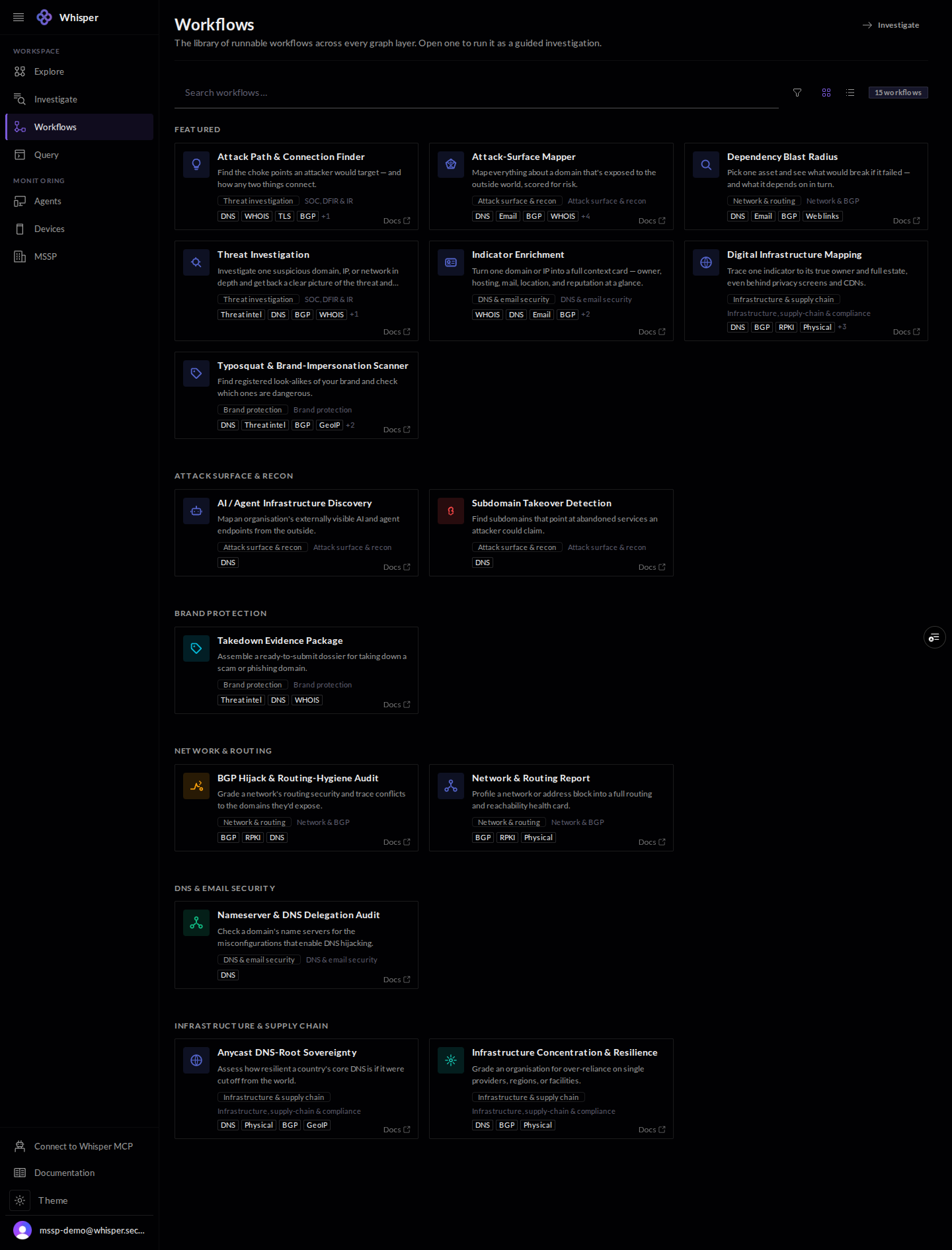
The Workflows library, shown with demo data: featured and categorized workflow cards such as Attack Path and Connection Finder, Attack-Surface Mapper, Threat Investigation, and Indicator Enrichment, each with layer tags and a docs link.
The library: every runnable workflow, grouped by area, each card showing the graph layers it uses. Demo data.

2 · Filter the library

Filter by use case, persona, task, or graph layer. Each facet carries a live count, so you can narrow from the whole library to the handful that fit the job.
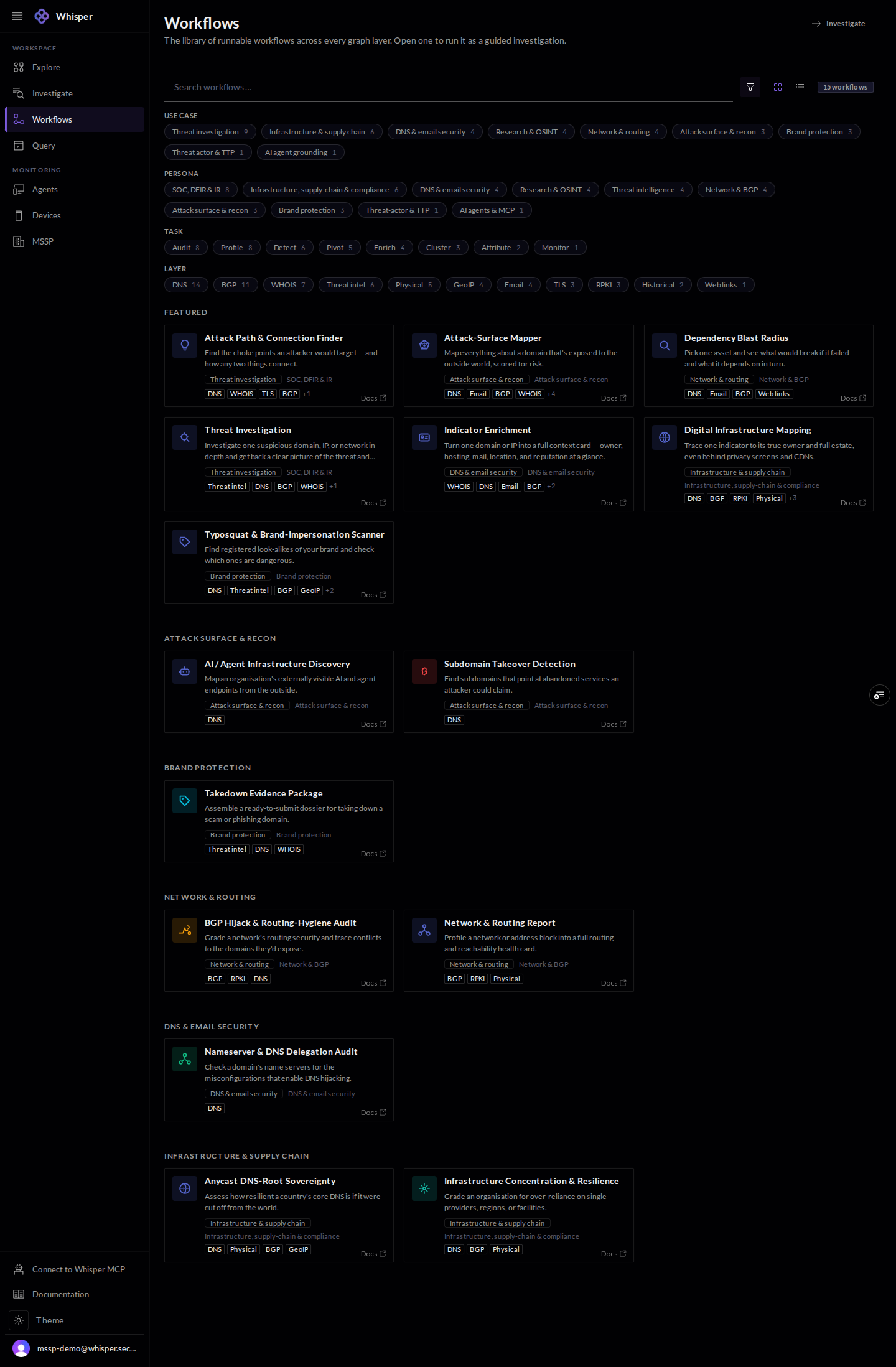
The Workflows filter facets: use case, persona, task, and layer, each value with a live count.
Filter by use case, persona, task, or graph layer, each with a live count.

3 · Run a workflow

Open a workflow to see its description and parameters, give it an indicator, and run it. The same run is available from Investigate and over MCP.
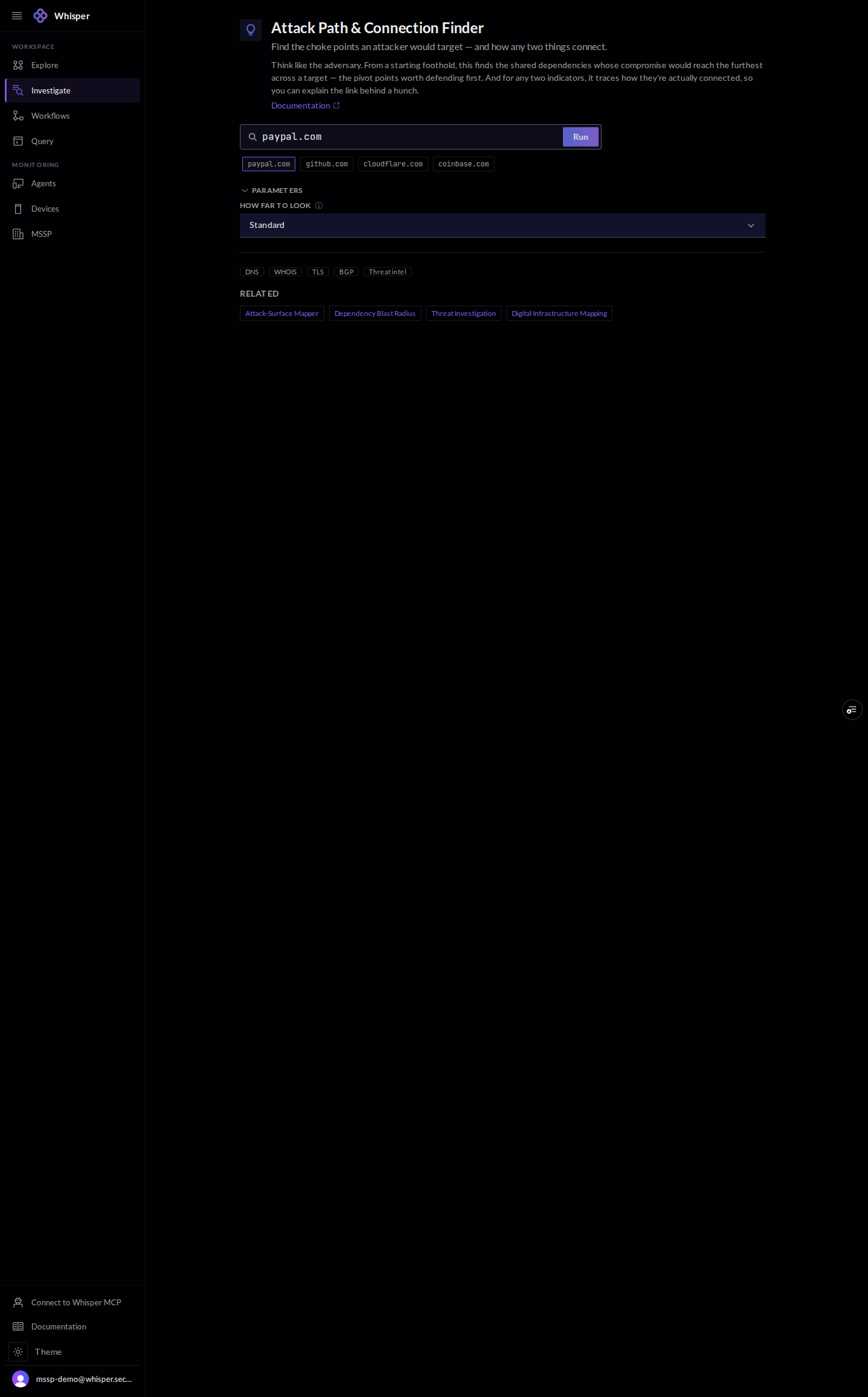
A workflow detail view, shown with demo data: a title and description, a search box with sample indicators, a parameters section, layer tags, and related workflows.
Open a workflow, set its parameters, give it an indicator, and run it. Demo data.